A person at a multi-monitor workstation reviewing timelines and source material

The action is approved. Now it has to cross four systems.

The invoice is matched, the case is classified, the update is due. Between the decision and the result sit four systems, three permissions and a person at each boundary re-keying what the last one produced. YPAI builds the workflow or agent that carries the approved action across those systems, under the permissions you name, with a named owner for every exception.

Scope a pilot

Start with one approved action where the systems, the permissions and the owner are already known. That is the first build, and it sets the controls the next one inherits.

Printed pages on a desk, one stack marked with corrections beside a lamp

The workflow in production, with its controls in place

A bounded multi-step action across the systems you already run. YPAI designs the path around the workflow, the tools, the identities and the acceptance criteria you name first.

Behind it, YPAI builds the permissions, the approvals, the exception handling and the observability, so an action can be inspected after it runs. The build connects through APIs, identity and legacy systems where the workflow reaches them.

Data, workflow and evaluation are in place before the build. Actions, failures and handoffs are tested as one flow.

The result is a workflow that runs in production, with every write traceable to a permission.

Start where the handoff already repeats

Choose one action with a clear next step and a person who already handles the exceptions. When the workflow cannot finish, that person receives the attempt, the system state and the failure that stopped it.

That one design carries the systems, the identities, the approved tools, the human approval, the escalation path and every write the workflow is allowed to make.

  • Document routing
  • Multi-system update
  • Approval chain
  • Exception queue
  • Scheduled operational task
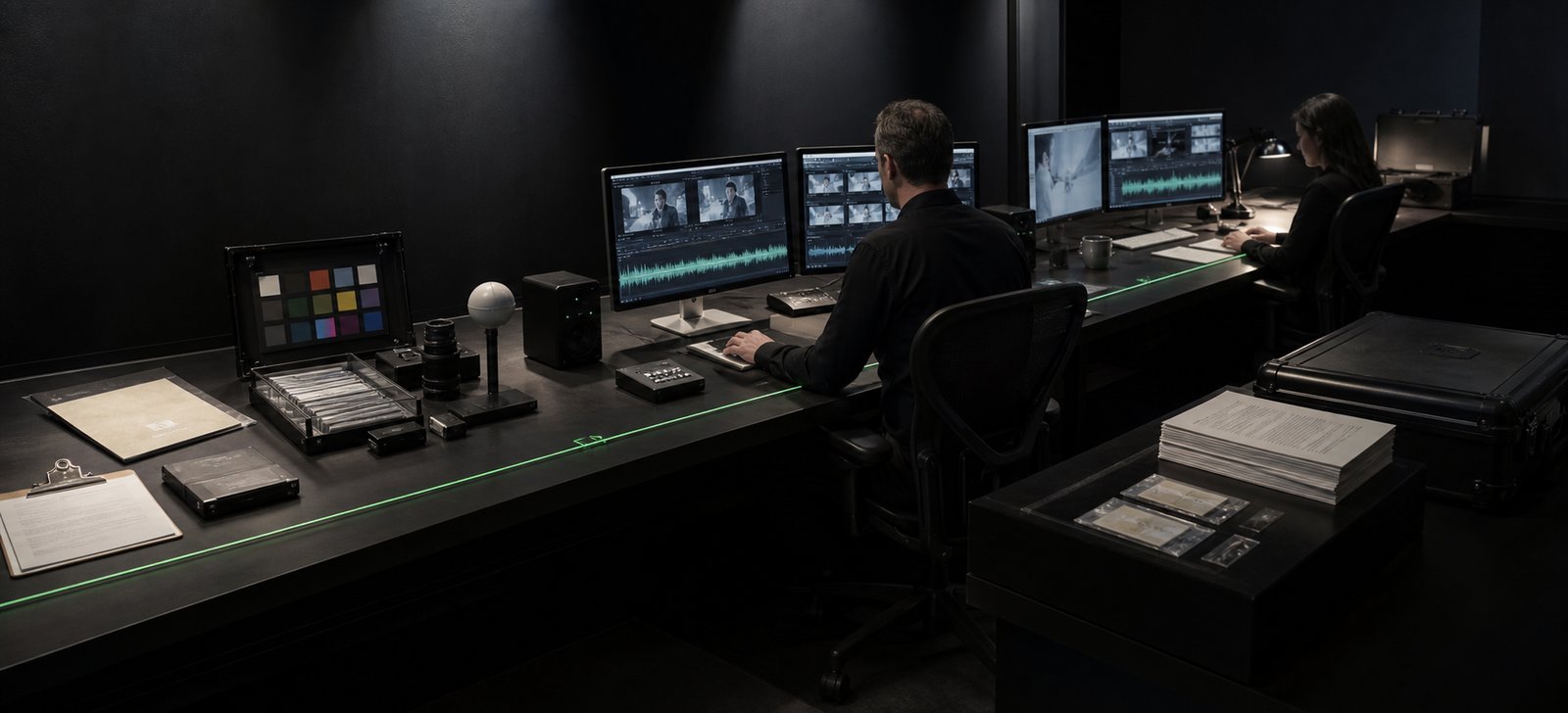
A dark review room where two people check source material, actions and handoff across paired screens

For engineering and operations: named systems, named permissions, one log

You choose the action. Your engineering or operations team and YPAI turn it into explicit steps across the systems already in use.

For a connected build the work is concrete: APIs, identity, tool permissions, approval gates, logs and failure handling. Each allowed read and write is named, so is who must be signed in, what happens after a failed call and what goes in the action log.

  • APIs
  • Identity
  • Permissions
  • Approvals
  • Logs
  • Failure handling

Three checks before release, run again after every change

The action stays inside the approved tools and permissions.

A failure reaches the named owner with enough context to act.

The team can inspect what ran, what failed and who decided.

Representative tasks, permission checks and failure cases prove those three things. The same set runs again after a change to a tool, model, prompt, identity or system, and the result lists what passed, what failed and what is corrected before the next release.

How approvals work, and what happens to exceptions

Approvals

An automated path starts, continues or stops when the named roles allow it. Identity, tool permissions and approval gates are designed before production, so every write passes through the owner of that step.

A long aisle of stored source material in a dark automated library

Exceptions

When a step fails, the named owner receives the attempt, the system state and the next allowed move. Monitoring, rollback and incident ownership sit with that owner, and a failed step waits for a decision.

A pilot, when the first release needs evidence

First we agree the workflow, the systems, the allowed actions, the approvals, the exceptions and the test method. Where the release decision needs evidence, a scoped pilot produces it. Pilot scope and commercial terms are agreed before it begins.

The pilot shows the tested tasks, the permission boundaries, the failed calls, the handoff context and the acceptance results. Security, data and operations owners inspect system access, data handling, action logs and who operates the workflow.

Production is a separate decision, taken after your team has read those results. From there, managed improvement covers monitoring, incident ownership and regression tests for the accepted action.


Bring the workflow that repeats

Tell us the systems involved, the approved actions and when a person should take over.

A named project lead reads it and replies inside one EU business day with a proposed scope and commercial terms.

Modalities (optional)

We use the information you provide to assess, respond to and manage your enquiry in accordance with our Privacy Policy.